3-Pattern USB Condenser Mic Setup for Streaming & Podcasts
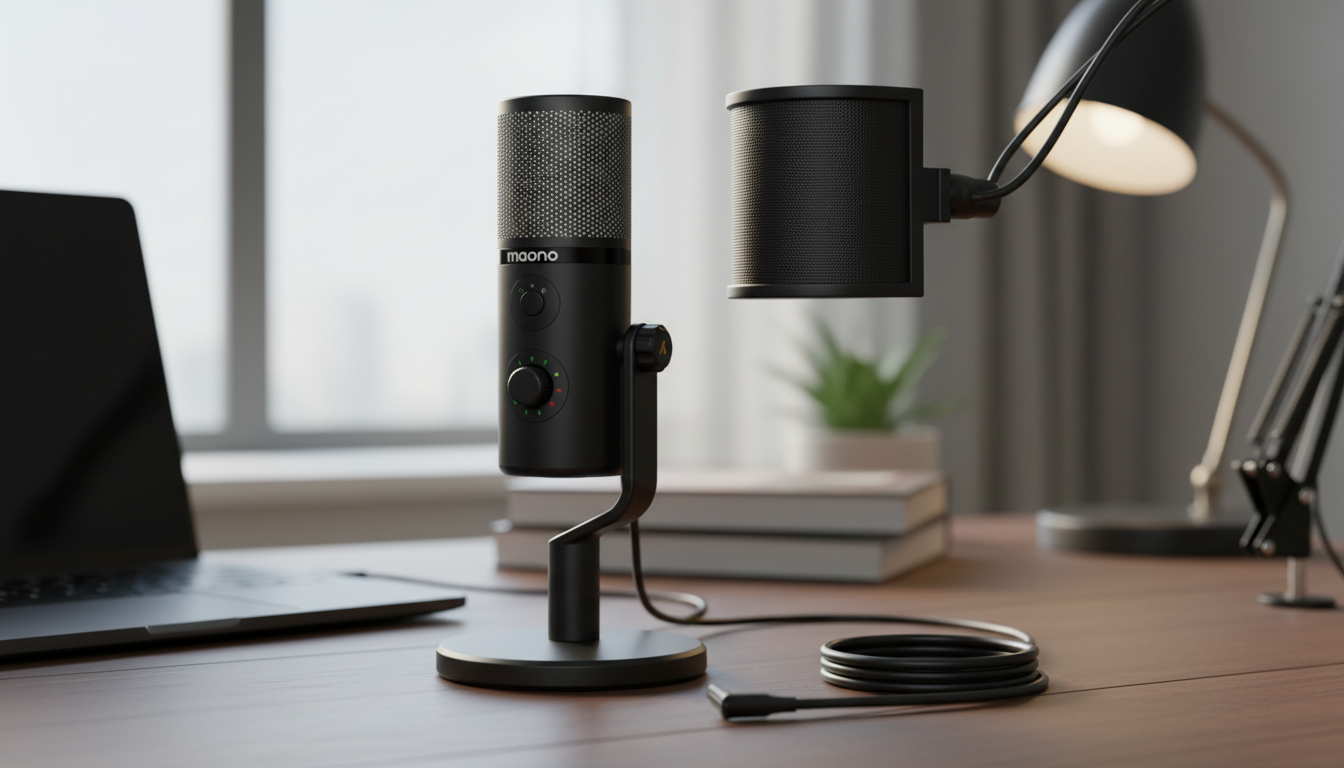
USB Condenser Microphone with 3 Polar Patterns for Gaming, Streaming & Podcasting
Clear voice capture can be the difference between a stream that feels professional and one that sounds distant, boomy, or full of room echo. A USB condenser microphone with selectable polar patterns offers an easy setup for PC and console-adjacent streaming, plus the flexibility to switch pickup modes for solo play, interviews, or small group recording without changing the entire audio chain. For more guidance, see HyperX SoloCast USB Gaming Microphone Review.
What a 3-pattern USB condenser mic changes in real use
A USB connection keeps setup simple: plug in, select the mic in your system and streaming software, set levels, and start recording. Because condenser capsules are typically more sensitive and detailed than many headset mics, they tend to deliver clearer articulation and “presence” for spoken voice—especially when you keep a consistent distance and avoid clipping. For further reading, see A Guide to Choosing the Best Microphone for Live Streaming.
The standout advantage is pattern switching. Instead of owning separate gear for solo streams, two-person interviews, and room capture, one microphone can adapt by changing its pickup mode. That choice can also reduce keyboard clicks, PC fan noise, and room reflections more effectively than EQ alone, since you’re controlling what the mic hears before any processing happens. For a deeper explanation of how patterns work, see Shure’s overview of microphone polar patterns and Audio-Technica’s primer.
Polar patterns and best-fit recording scenarios
| Polar pattern | Picks up best from | Best for | Common mistake to avoid |
|---|---|---|---|
| Cardioid | Front of the mic | Solo streaming, narration, voice chat | Talking off-axis (voice gets thin/quiet) |
| Bidirectional (Figure-8) | Front and back | Two-person interviews across a desk | Placing it sideways (one person ends up off-axis) |
| Omnidirectional | All directions | Group chat, room ambience, roundtable | Using it in untreated rooms (echo becomes obvious) |
Quick setup for streaming and calls
Start by connecting the mic via USB and confirming it’s selected as the input device in your operating system sound settings. In OBS/Streamlabs, add an Audio Input Capture source and choose the microphone; disabling unused devices can prevent doubled audio or accidental fallback to a webcam mic.
Set input gain so normal speech peaks around -12 dB to -6 dB on your meter. If you’re hitting 0 dB, you’re clipping—turn down the mic gain and retest. If your software or mic offers a high-pass filter (often around 80–120 Hz), enabling it can reduce desk rumble, foot taps, and low-frequency HVAC noise without thinning out the voice too much.
Use a pop filter or windscreen and aim for a consistent mouth-to-mic distance—commonly 6–10 inches for a clean “broadcast” tone. Consistency matters more than chasing loudness: you can always raise level later, but you can’t easily remove distortion once it’s recorded.
Getting clean audio in a gaming desk environment
Gaming desks are noisy in ways microphones love to reveal: keyboard impacts, mouse clicks, controller clacks, and subtle vibrations from the desk itself. If possible, place the mic on a shock mount or a stand that minimizes vibration transfer. Next, position the mic so the quietest side of the chosen pattern (the “null”) faces the loudest constant noise source—often PC fans or an AC vent.
Keep the mic slightly off-center from the keyboard so the capsule isn’t “looking” directly at the keys. If you use a noise gate, set the threshold just above your room noise so words don’t get chopped at the start or end of sentences. Compression can help keep voice levels stable for viewers, but go gently (roughly 2:1 to 4:1) to avoid pumping up background noise between phrases. If you want software assistance with noise removal or echo reduction, tools like NVIDIA Broadcast can help—especially when placement and pattern choice are already optimized.
Choosing the right polar pattern for each workflow
For solo streaming, cardioid is usually the best starting point because it focuses on what’s in front of the mic and de-emphasizes the room. For two speakers across a desk, bidirectional (figure-8) can sound more natural than trying to “share” cardioid—just keep both mouths about the same distance from the mic so one person doesn’t dominate the level.
Key features to look for before buying
Product options in stock
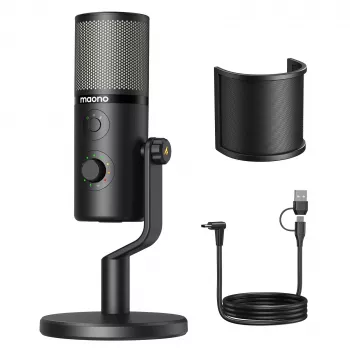
- USB Condenser Microphone with 3 Polar Patterns for Gaming, Streaming & Podcasting — designed to switch between common pickup modes for streaming, voice chat, and podcast formats.
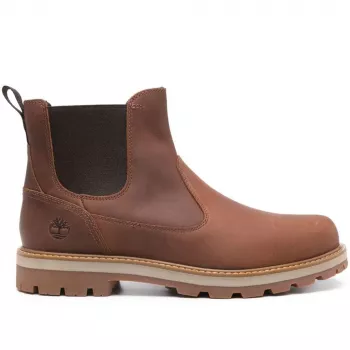
- Timberland Men’s Brown Leather Boots — a practical add-on for creators who record at a standing desk and want supportive footwear during long sessions.
- Zen-Savvy Savings Checklist: The Japanese Way to Build Wealth with Calm and Clarity — a lightweight guide for organizing spending when upgrading a creator setup over time.
At-a-glance listing details
| Item | Price | Availability |
|---|---|---|
| USB Condenser Microphone with 3 Polar Patterns for Gaming, Streaming & Podcasting | $158.47 | In stock |
Placement and technique tips that outperform gear upgrades
FAQ
Which polar pattern is best for streaming games with a mechanical keyboard?
Usually cardioid, since it focuses on your voice and can reduce room sound. Place the keyboard off-axis and aim the pattern’s quieter side toward the keys and PC fans; add light gating only after placement is dialed in.
Can a USB condenser mic be used for a two-person podcast?
Yes. Use the bidirectional (figure-8) pattern, seat speakers on opposite sides of the mic at equal distance, and keep the room as quiet and non-echoey as possible for the cleanest results.
Why does my voice sound echoey on an omnidirectional setting?
Omni captures the room evenly, including reflections bouncing off walls and desks. Move closer and lower gain, add soft furnishings nearby, or switch to cardioid when isolation is the priority.











Leave a comment